Setup IPTV
HOW TO SETUP IPTV UK APPLICATION
Samsung Smart TV
Step 1 : Press the Smart Hub button from your remote.
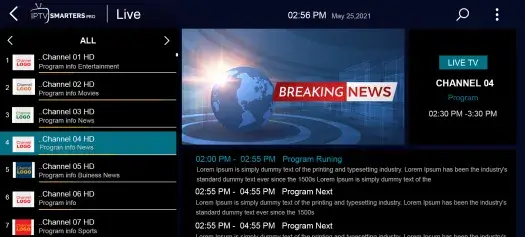
Step 2 : Search for the IPTV UK Smarters Pro to install.
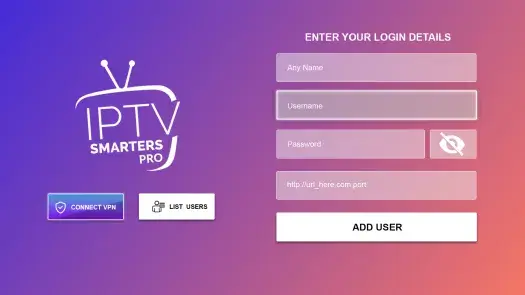
Step 3 : Log in the Application with your subscription details i.e. Username, Password, Portal URL.
Note: Make sure, Your Service providers got their DNS registered with us.
LG Smart TV
Step 1 : Press the Home button on the remote & Go to LG Content Store.
Step 2 : Search for the IPTV Smarters Pro to install.
Step 3 : Log in the Application with your subscription details i.e. Username, Password, Portal URL.
Note: Make sure, Your Service providers got their DNS registered with us.
WHAT IS IPTV SMARTERS?
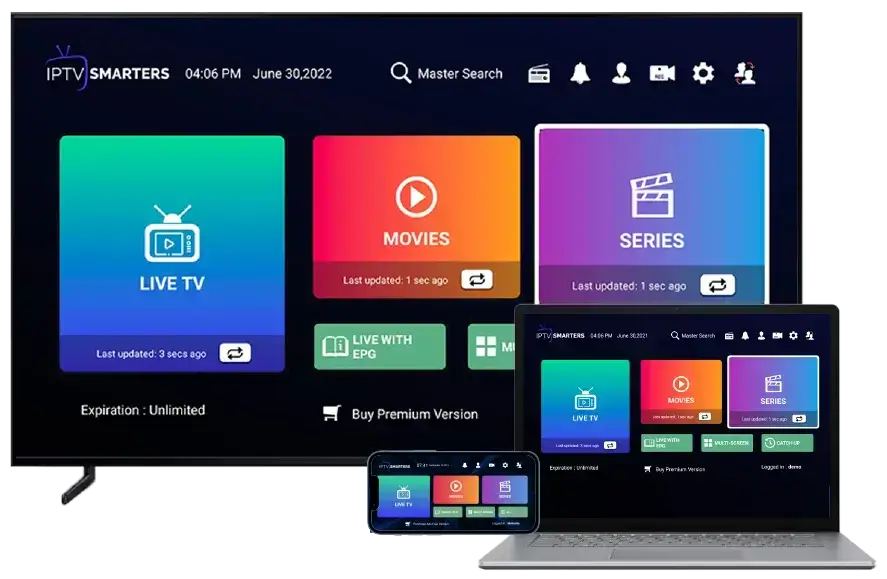
The IPTV Smarters App is a fabulous video streaming player that allows your IPTV customers or end-users to stream content like Live TV, VOD, Series, and TV Catchup supplied by you on : Android & iOS devices, Smart TV, and even on macOS/Windows PC/Laptop.
Android – Android Phones, Android TV, Android TV Boxes, Android FireTV Sticks, Nvidia Shields, and other android sticks or devices.
Smart TVs – LG & Samsung (App available on the store to download).
iOS – iPhone, iPad, TvOS (Apple TV).
Windows/MAC – Windows 8/10 and all versions of macOS including the latest ones
1- AFTER DOWNLOADING SETUP THE APPLICATION IN YOU DEVICE
2- OPEN THE APP AND CHOOSE LOGIN WITH XTREAM API
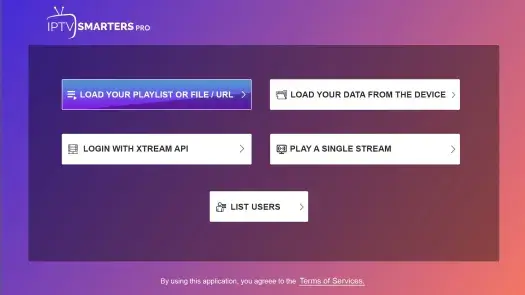
3- ENTER YOUR ACCOUNT CONFIGURATION
4- ENJOY YOUR IPTV UK